How LeitnerBox works
Six steps from empty screen to a mastery streak. Every screenshot below is from the real app — no mockups.
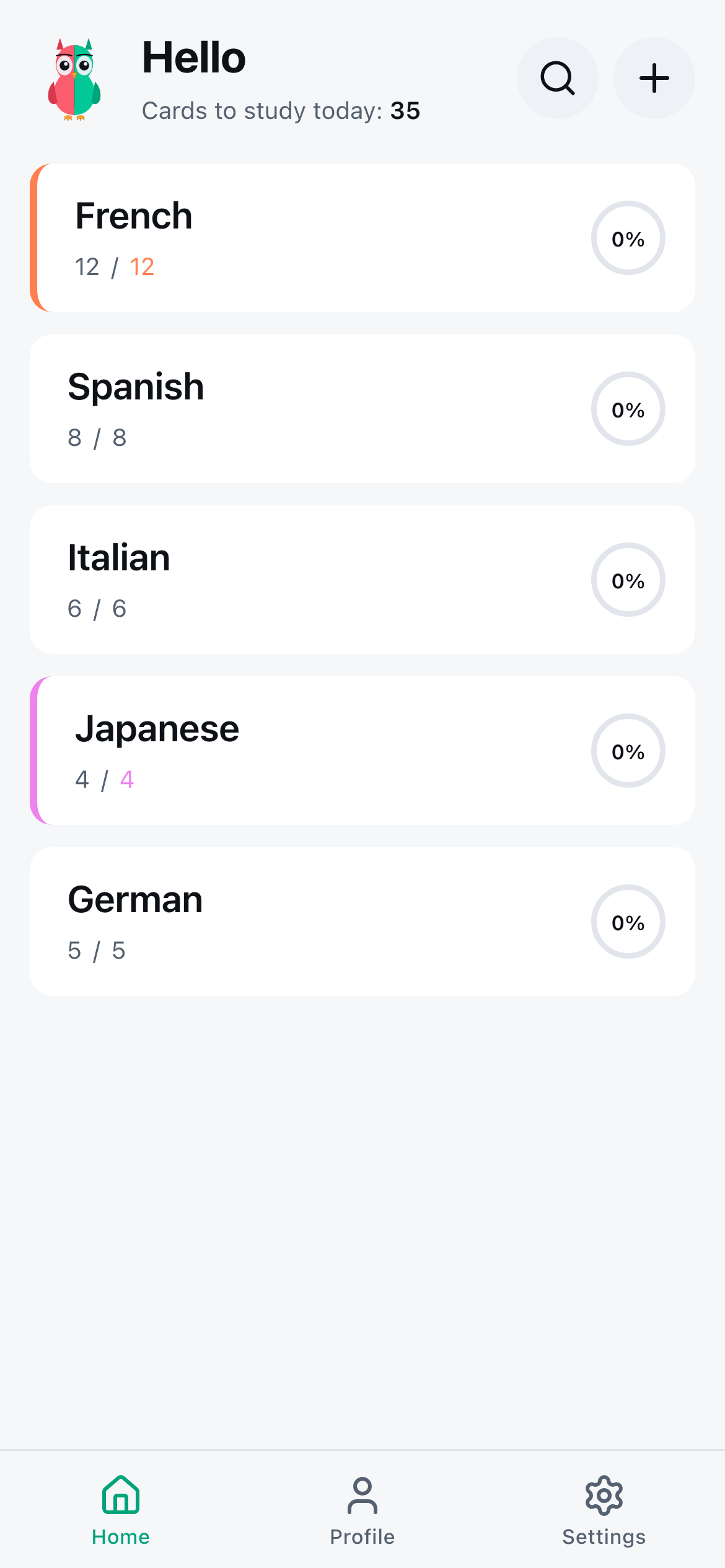
Open the app. Meet your boxes.
The home screen shows every box you're studying — languages, subjects, anything. Each box has its own set of cards and its own independent 7-level schedule.
To begin, tap an existing box, or hit + New Box to create one. Give it a name — French Vocab, Pharmacology, Python syntax — and you're ready.
No account required to start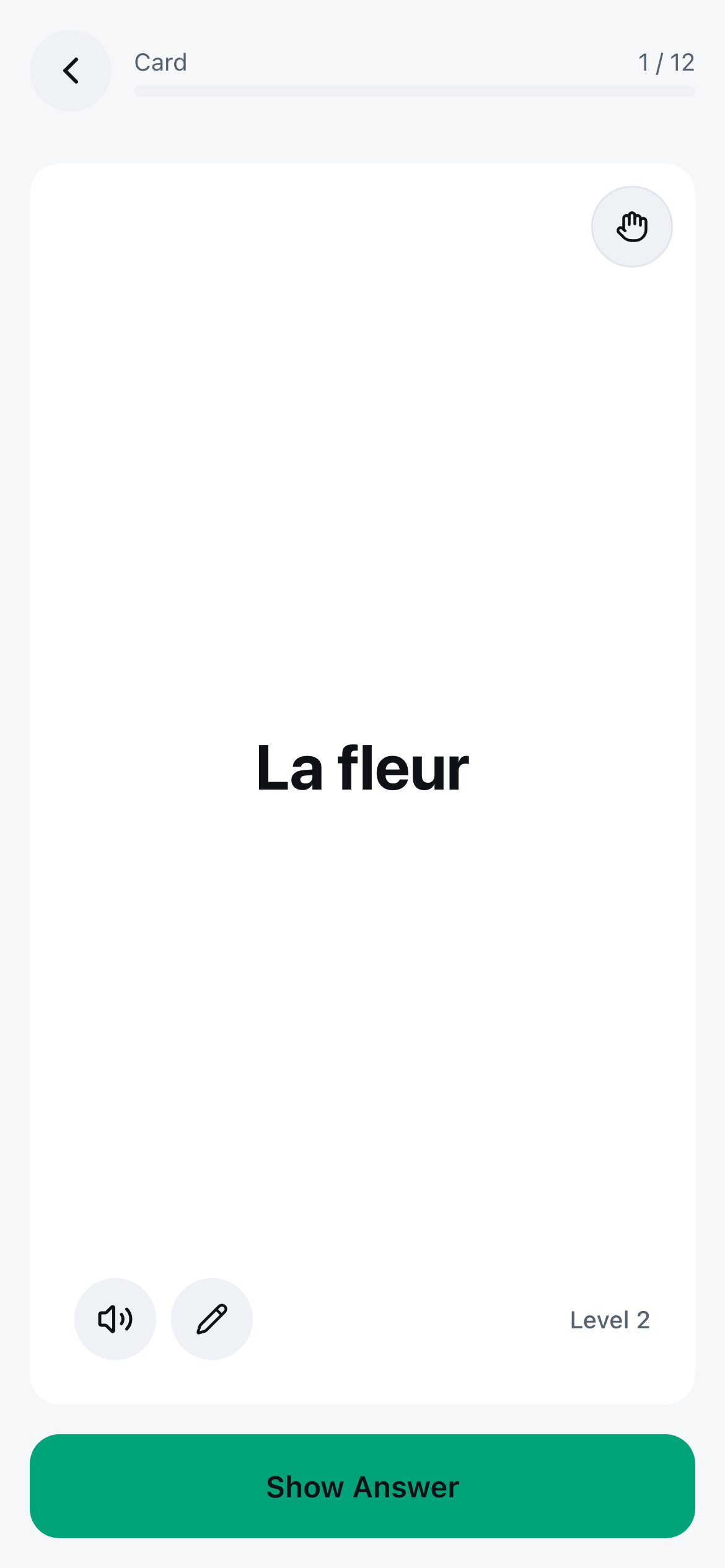
This is a card.
Every card is a prompt + an answer. The front shows your cue — here it's Bonjour. The back holds the answer (Hello) until you've tried to recall it yourself. Each card carries its own Leitner level in the corner.
Create cards one at a time with a quick form, import hundreds at once from CSV, or attach an image — useful for faces, anatomy, diagrams. Markdown is supported too.
Images, markdown, CSV import all supported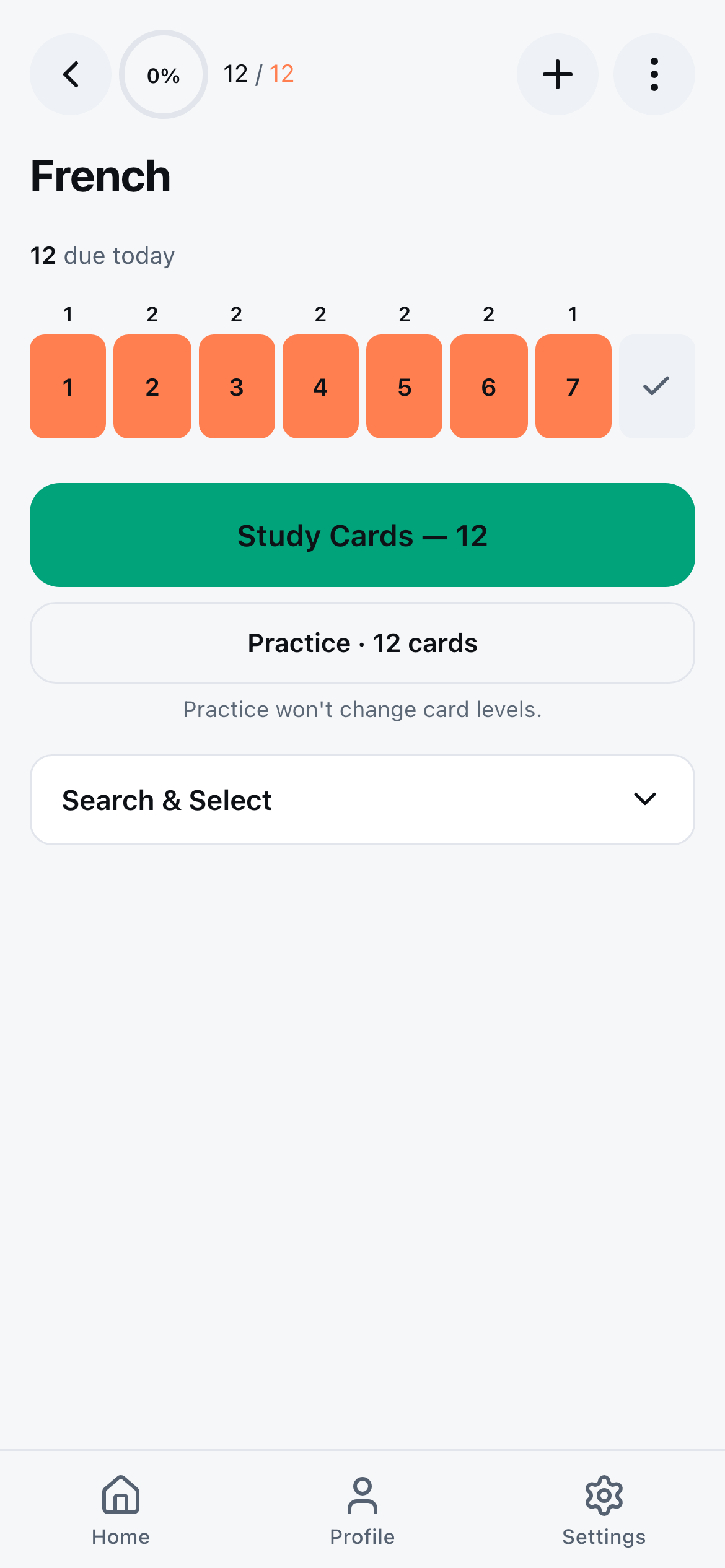
Start studying. Only due cards appear.
Tap Study Cards. LeitnerBox only queues the cards due today — nothing else. The front of each card appears first. Think of the answer in your head, then tap to flip and see the back.
No confidence ratings, no 4-button scales, no algorithmic guesswork. Just: did you remember it, or didn't you?
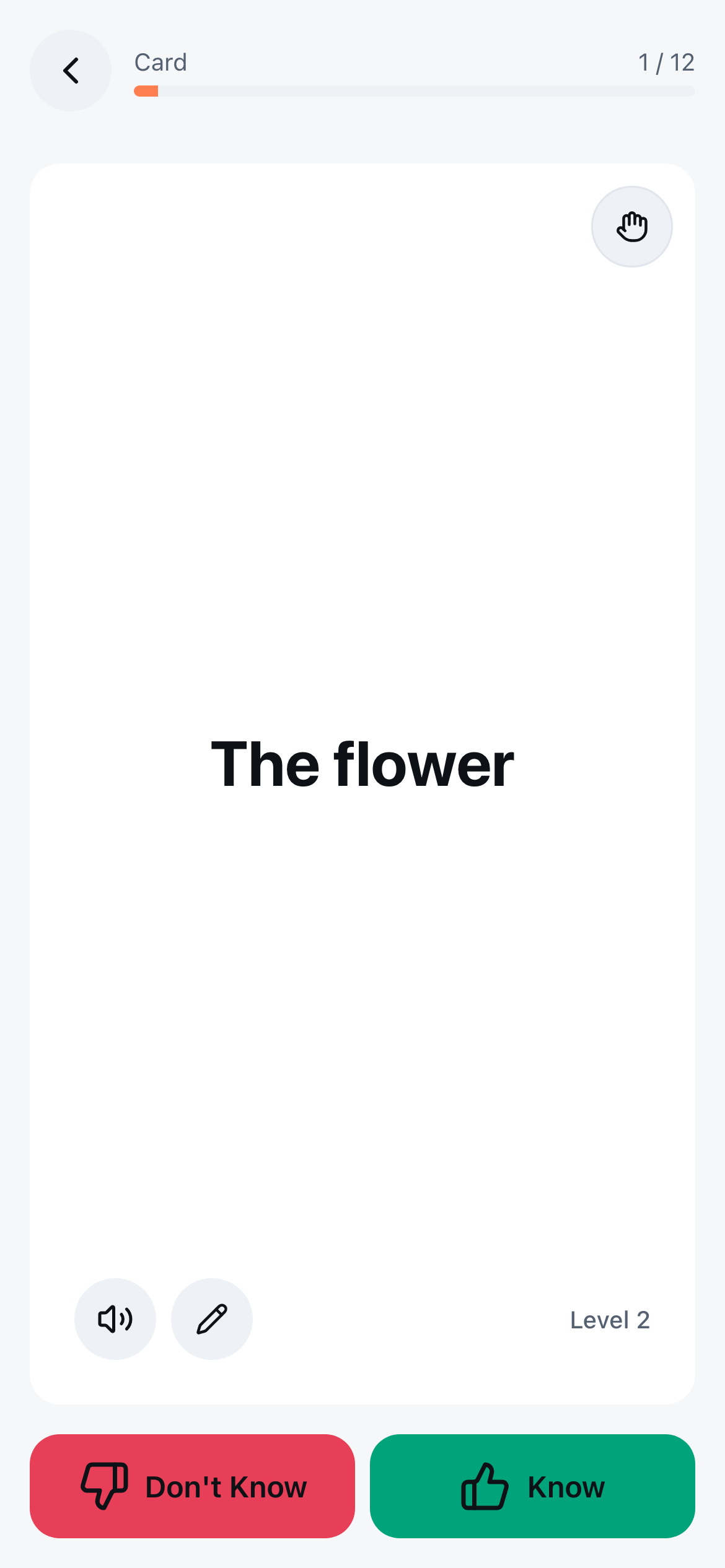
Two honest answers. Two clear signals.
After flipping, you swipe or tap one of two signals:
Right / Mint = Yes, I knew it. The card moves up one level. The interval to its next review gets longer.
Left / Coral = No, I forgot. The card drops straight back to Level 1, due tomorrow. No compromise, no half-credit.
Swipe or keyboard: ← / → both work
Climb the 7 boxes.
Intervals grow at each level, matching the classic 7-box Leitner schedule — 1, 2, 3, 7, 15, 31, 61 days. A card that clears every box without a single failure reaches Box 7 after roughly 59 days, and becomes mastered only after you answer it correctly during its 61-day review — about 120 days end-to-end.
If you forget it once on the way up, it snaps back to Box 1 and starts climbing again. The system quietly keeps track — you just keep showing up.
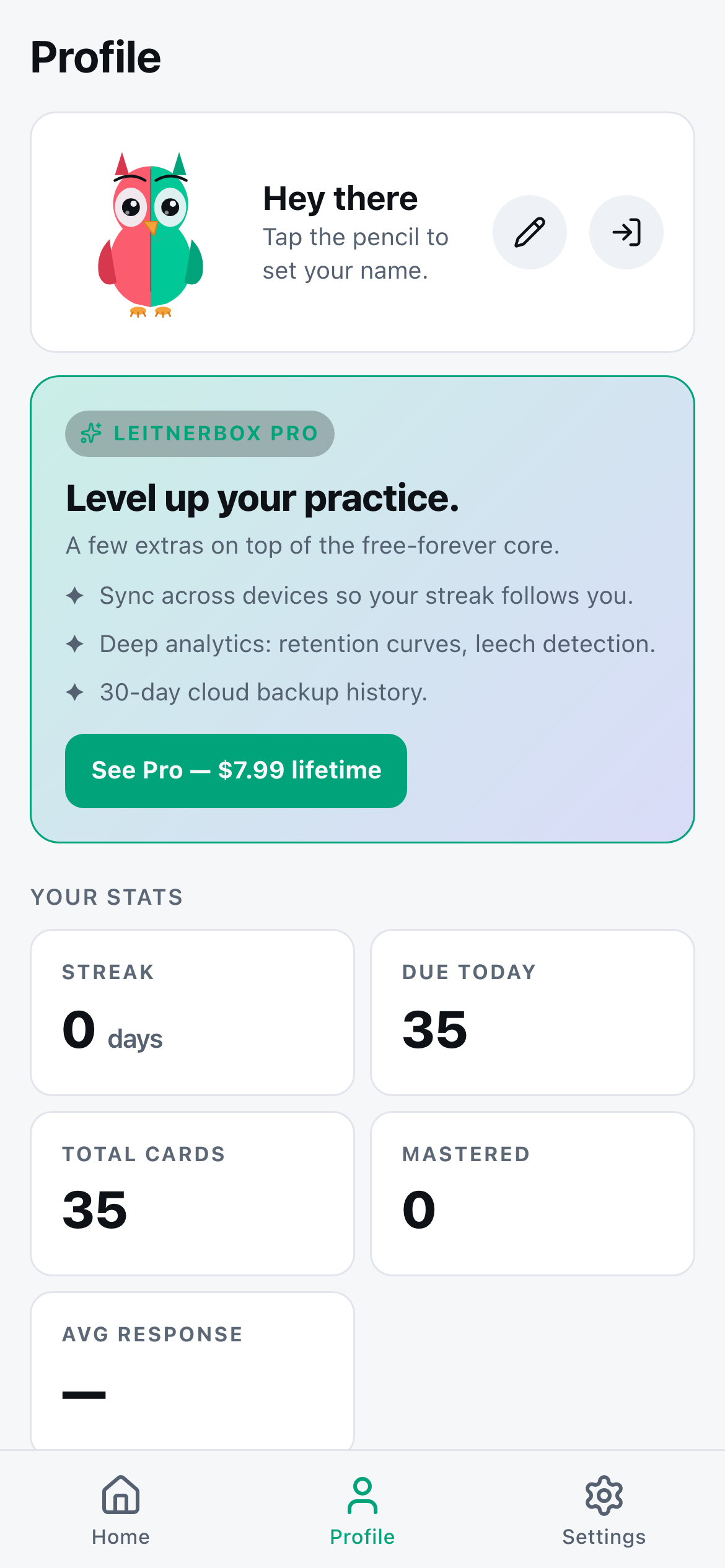
Track your streak.
The Profile tab shows your daily streak, total cards studied, and how many are at each mastery level. Settings let you toggle sound, haptic feedback, study direction (front → back or reverse), theme, and export everything to CSV at any time. Your data stays on your device unless you turn on Pro cloud sync.
Streaks + achievements come automatically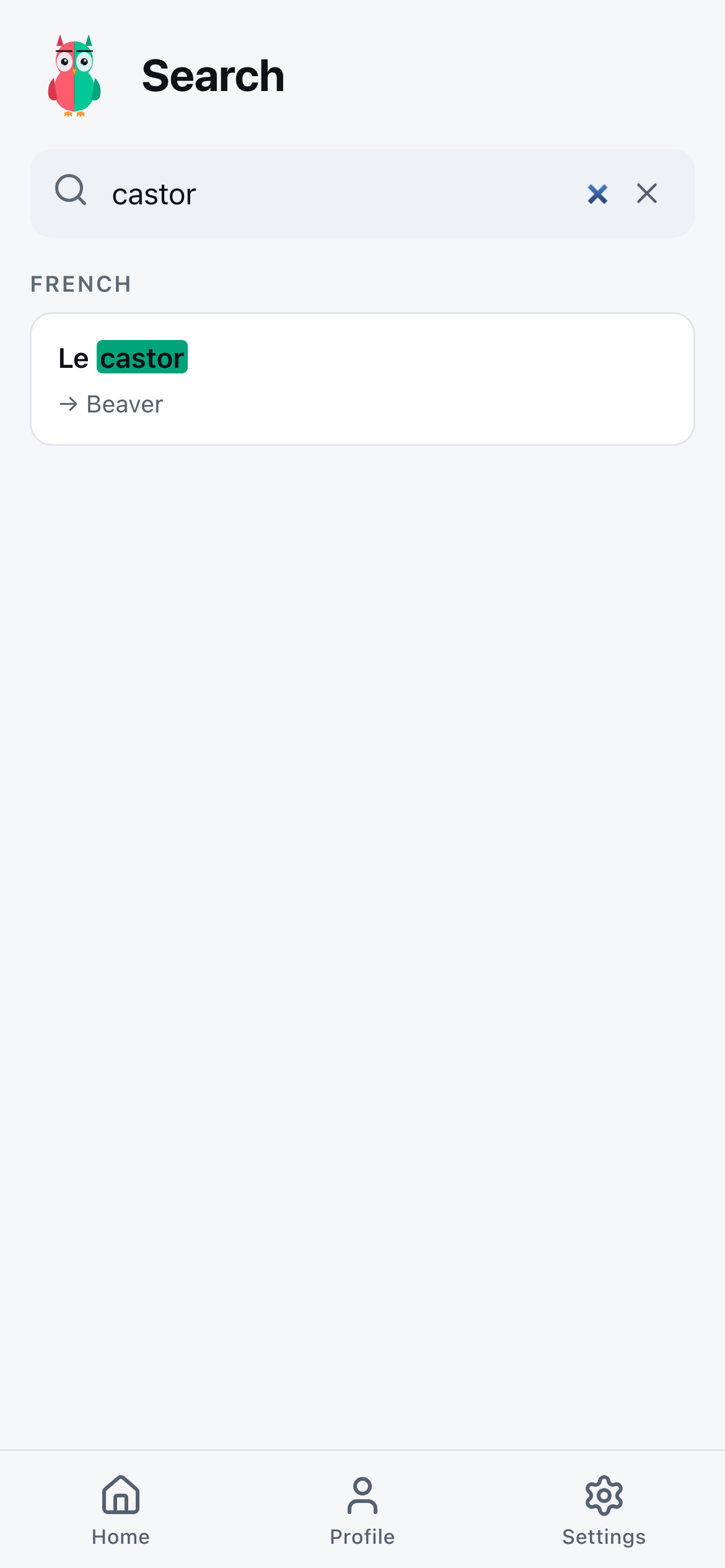
Find any card across every box.
Hit the magnifier in the top bar and type anything you remember. Global search scans every card in every box — front, back, and notes — and shows matches grouped by deck. Useful when you remember the word but not which deck it lives in.
That's the whole app.
Six steps. Seven boxes. The same method that's been reliably converting short-term recall into long-term memory since 1972 — in a modern, offline-first app that respects your data.